3D SURVIVAL FAN GAME
Azeroth Survivors.
Pick a class, enter a zone, and survive the waves.
01 / PLAY GAME
Play Azeroth Survivors.
Start the original game in the frame below. Click inside it for keyboard controls.
02 / ABOUT THE GAME
What is Azeroth Survivors?
Azeroth Survivors is a Warcraft-inspired survival fan game. This page loads the separate benilla/wenilla-hosted version supplied for this site. Its menu lets you choose a class and zone before entering a run; the hero moves through incoming enemies while combat abilities cast automatically.
The current embedded menu shows class choices, character details, equipment, talents, and Elwynn Forest as an available starting zone. This host controls the build, loading time, and save data. Its screens can differ from the creator’s game at wow.aethus.pl.
Read the original game site for current information.
03 / HOW TO PLAY
Your first run.
Follow the opening screens, then keep the controls nearby while you learn.
- 01
Choose a class
Pick a class in the left side of the menu. Read the starting spell and the character details before entering the world.
- 02
Choose a zone
Select an available zone on the right. Elwynn Forest is shown as a starting option in the current embedded menu.
- 03
Move through the waves
Press Enter or the large Enter button, then use WASD to move. Keep space between the hero and approaching enemies while abilities cast automatically.
- 04
Pick a card
At level up, choose one of three cards with 1, 2, or 3. Read the card text before committing to a spell or passive upgrade.
Controls at a glance
Controls can change after a game update. Check the live game’s settings or pause screen.
04 / FROM THE GAME
Four real screens.
Open any image to inspect the full-size game screen.
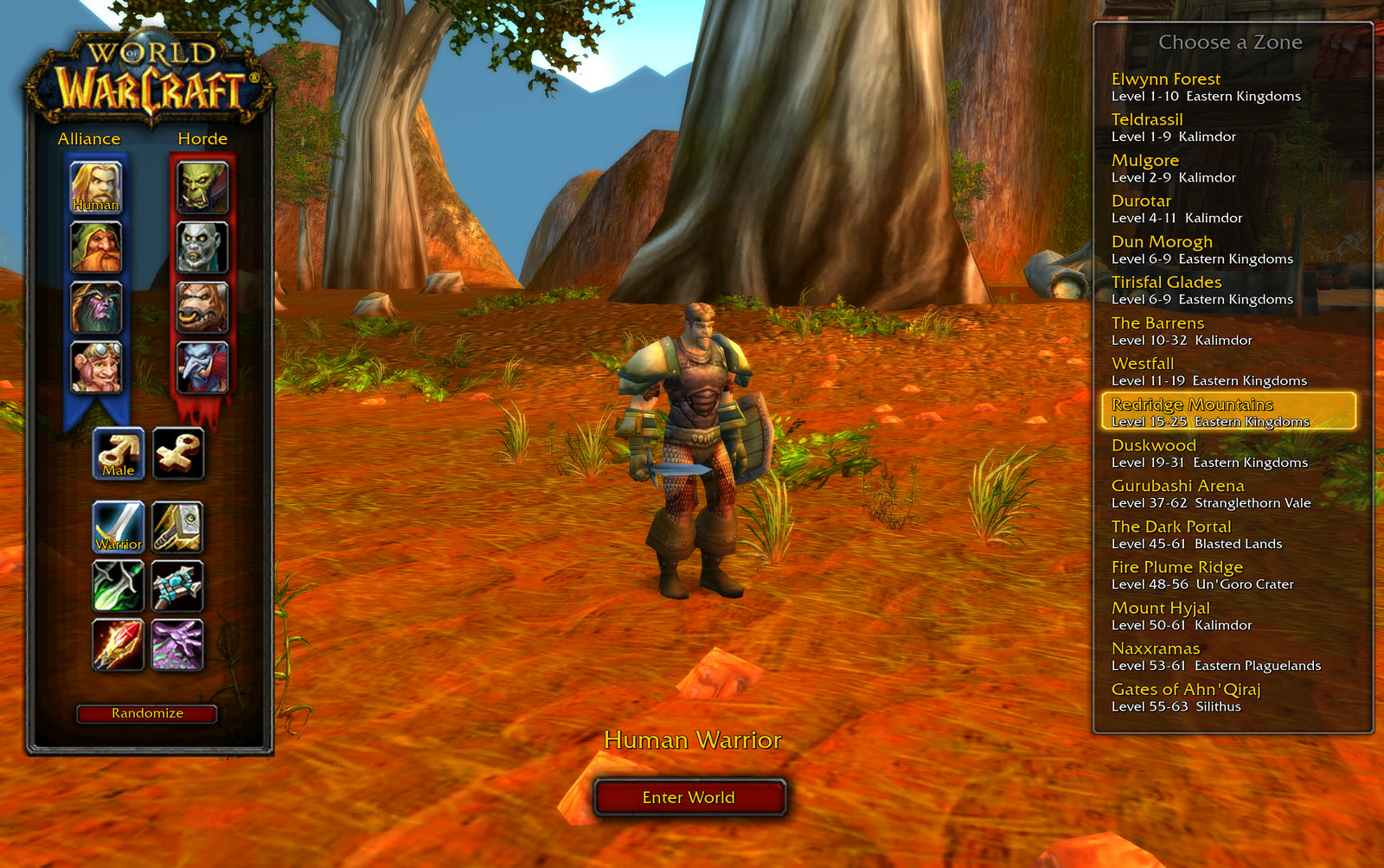
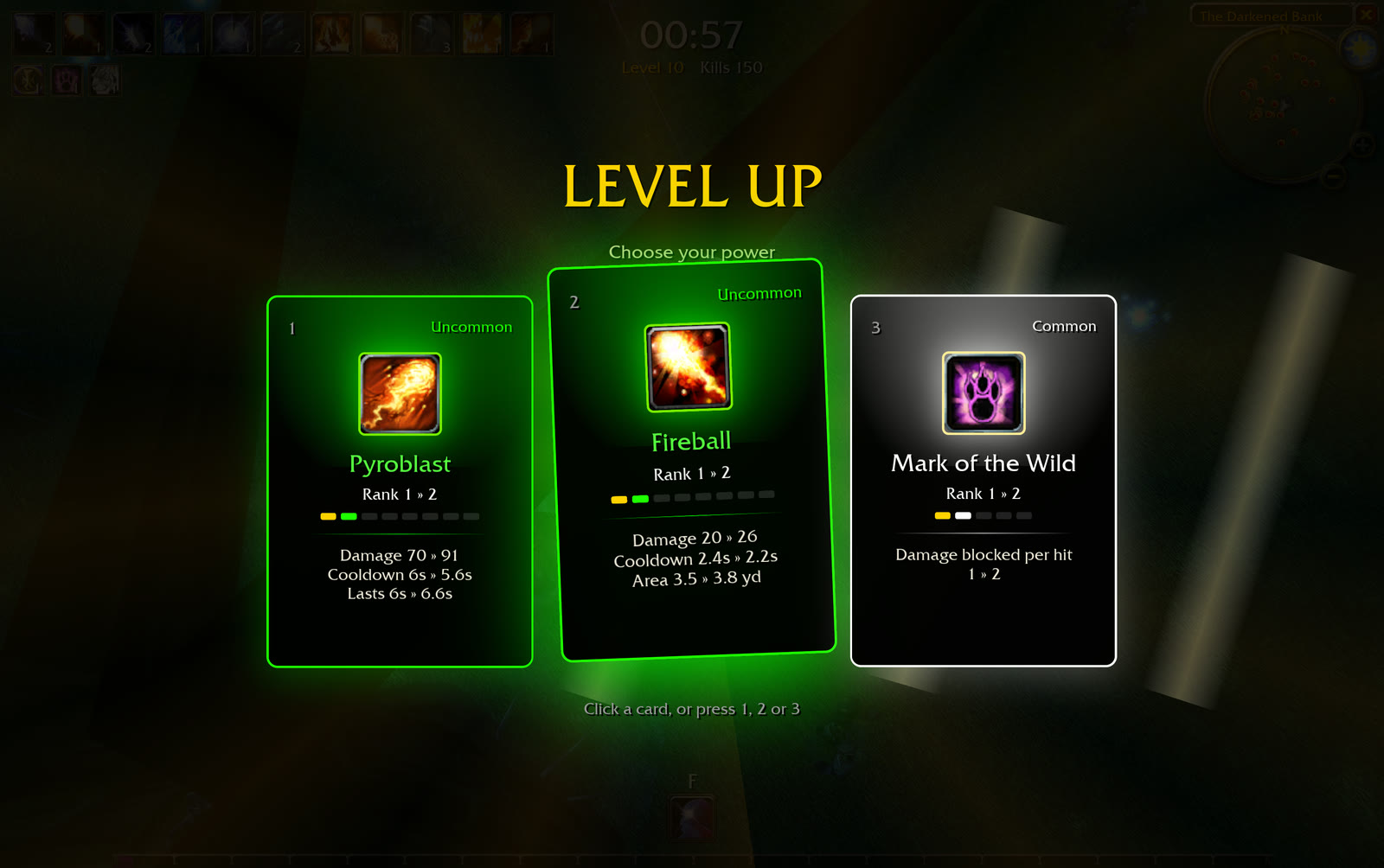
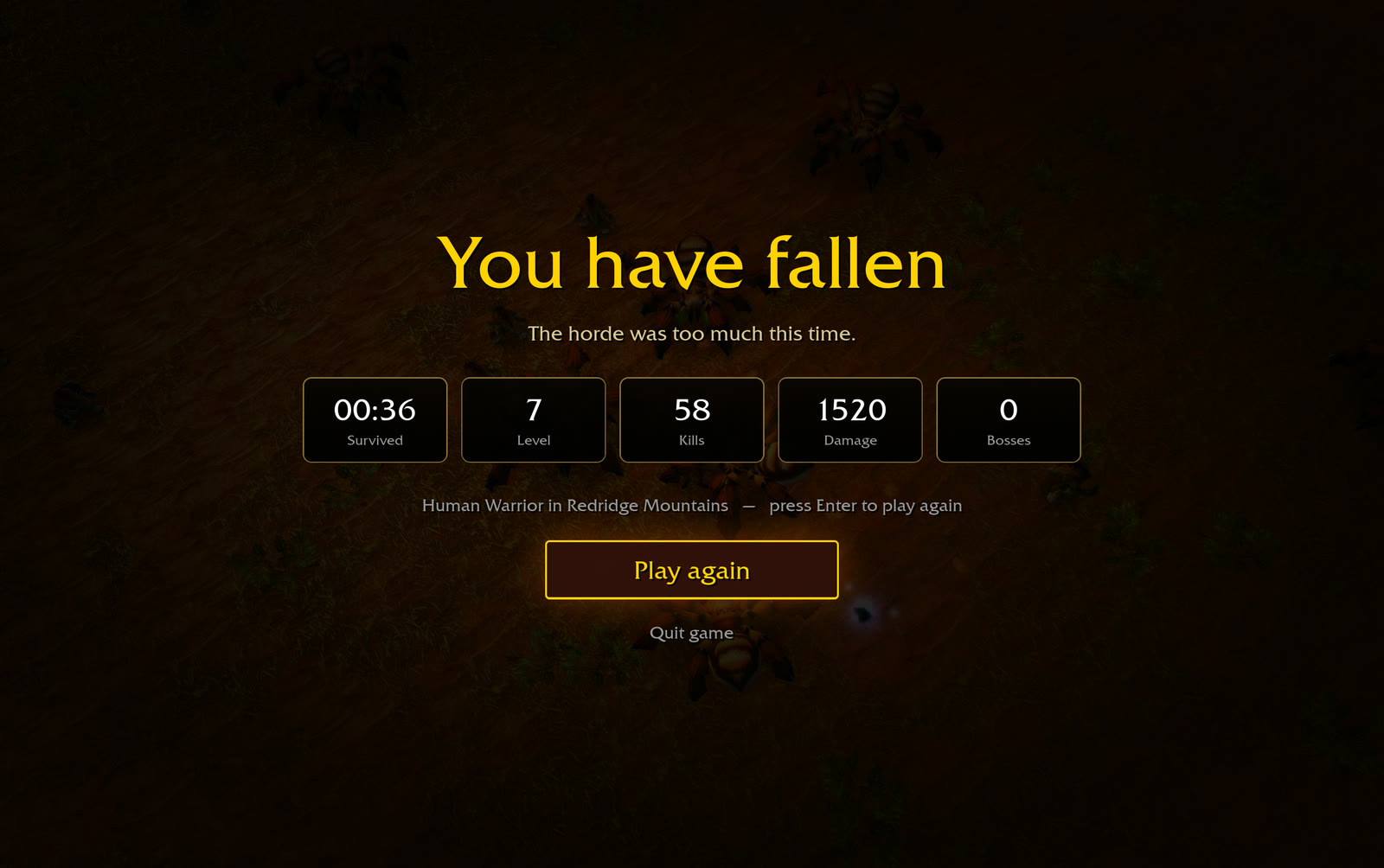
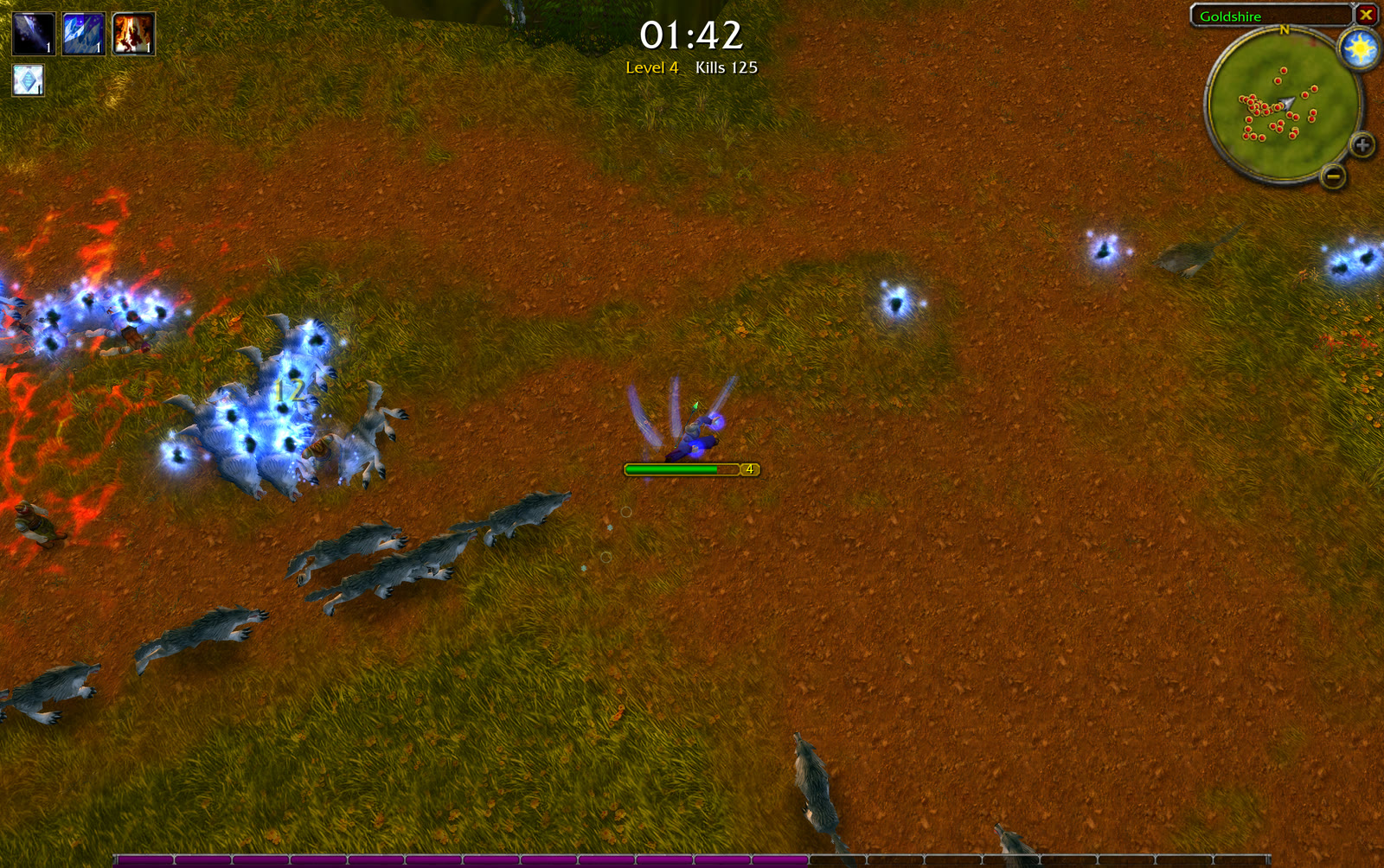
Actual Azeroth Survivors game captures published by Azeroth Survivors guide. Game visuals belong to their respective creators and owners.
Sources and scope. The embedded address is the user-supplied benilla/wenilla host. The four screenshots are real game captures from a documented rebuild and may show an older menu than the current embed. Controls and flow were checked against the live menu and the rebuild guide. Read the gameplay source ↗