
01 / PLAY GAME
Play PokéBonk.
Start the original game in the frame below. Click inside it for keyboard controls.
02 / ABOUT THE GAME
What is PokéBonk?
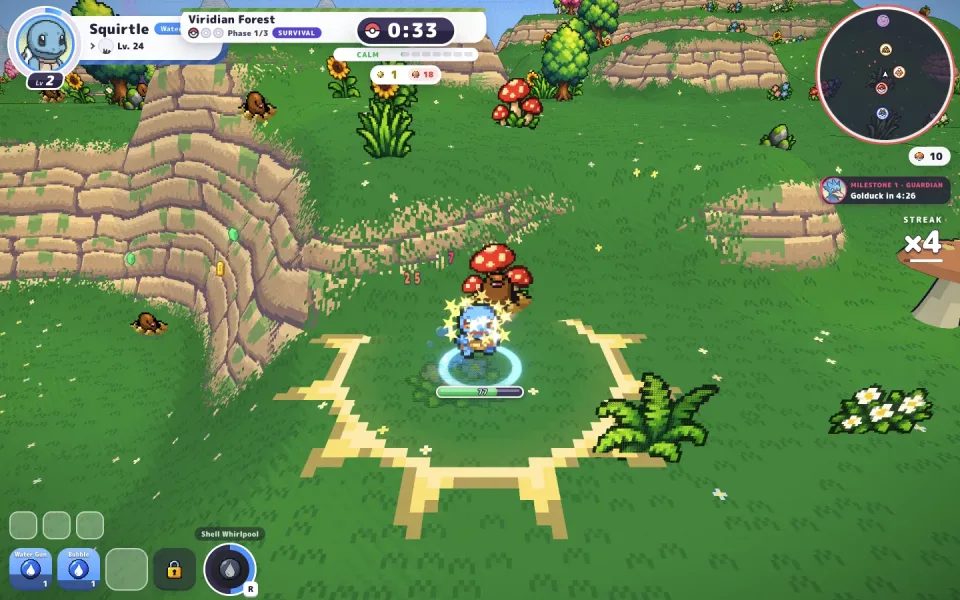
PokéBonk is an unofficial browser survival fan game. You guide a Pokémon through a 3D field while its starting move attacks automatically. Staying mobile, reading the terrain, and choosing upgrades are the core of an early run.
The opening flow offers Guest entry and a choice of Bulbasaur, Charmander, or Squirtle as a first partner. After that, the game lets you prepare a run by choosing a region, mode, and difficulty. The source game controls accounts, progress, and future updates.
Read the original game site for current information.
03 / HOW TO PLAY
Your first run.
Follow the opening screens, then keep the controls nearby while you learn.
- 01
Enter and choose a partner
Use the Guest option if you want to try the game immediately. Pick one of the three starting partners and confirm the choice.
- 02
Prepare a run
Open Play, select your available partner, then choose a region, mode, and difficulty before starting.
- 03
Move and watch the field
Use WASD to move and the mouse to look around. Your starting move attacks automatically, so focus on spacing, health, and nearby threats.
- 04
Choose an upgrade
When you level up, compare the offered move, item, or upgrade cards before continuing the run.
Controls at a glance
Controls can change after a game update. Check the live game’s settings or pause screen.
04 / FROM THE GAME
Four real screens.
Open any image to inspect the full-size game screen.
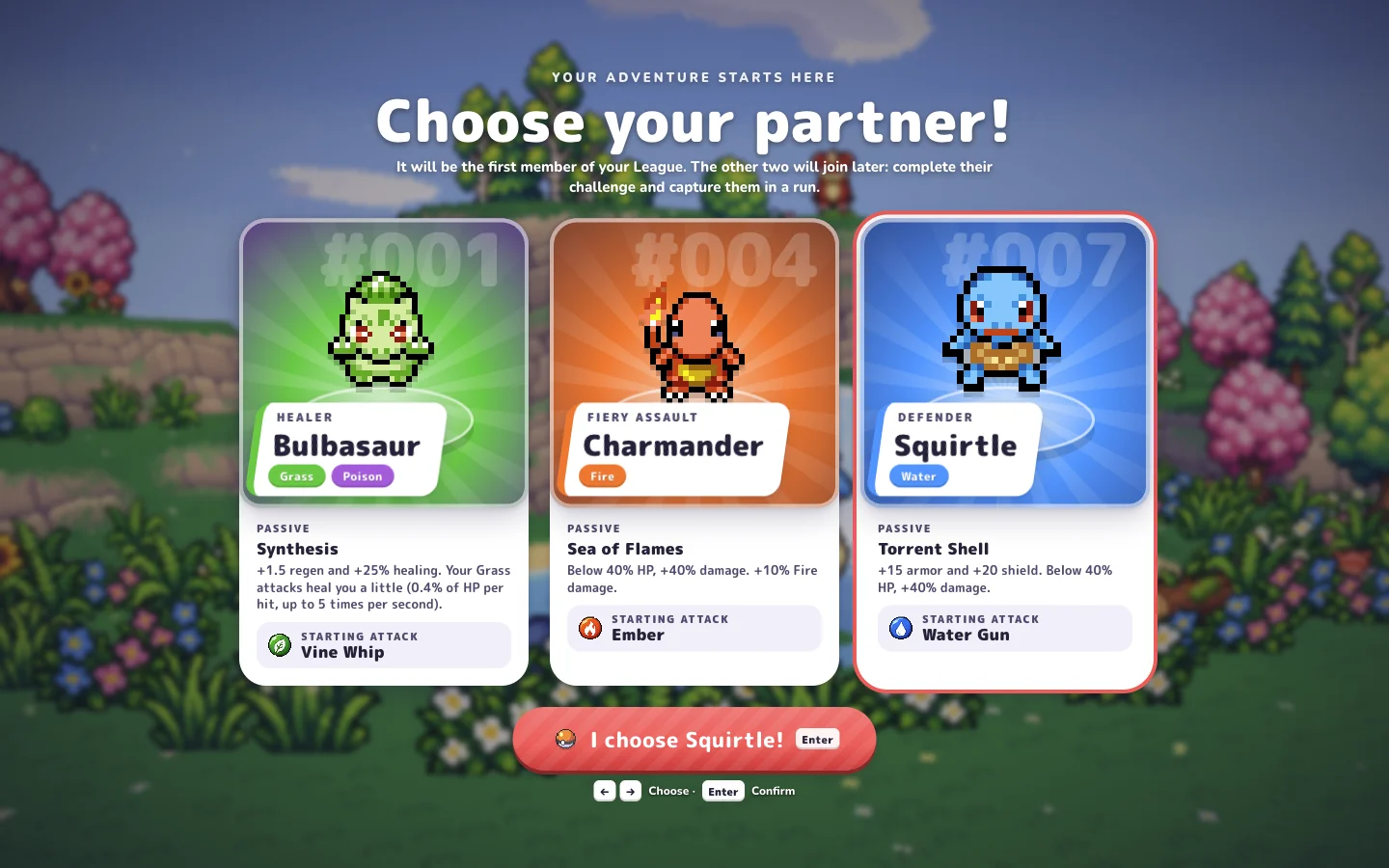
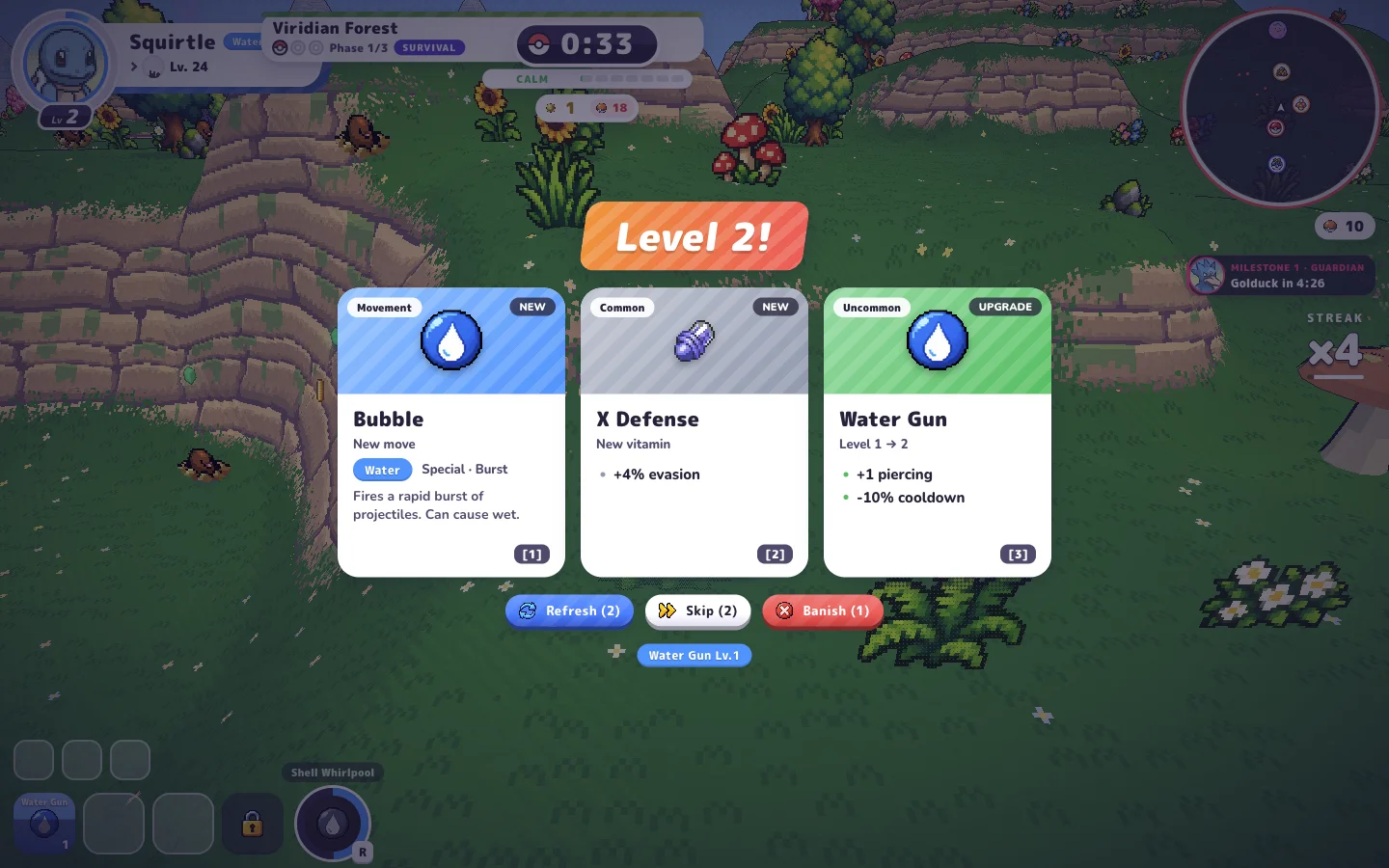
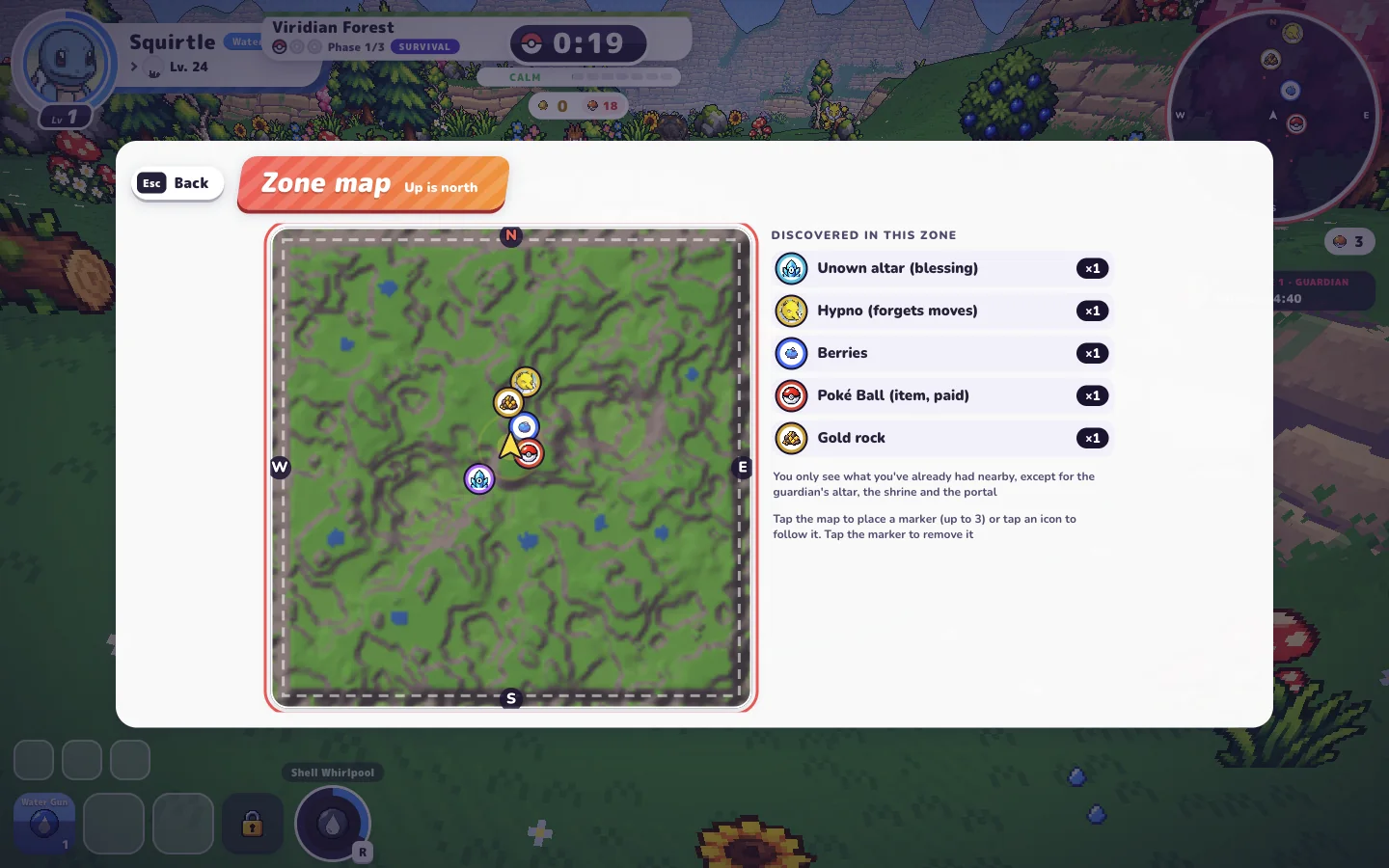
Actual PokéBonk game captures published by PokéBonk Guide. Game visuals belong to their respective creators and owners.
Sources and scope. Gameplay and control notes follow the original game and dated playtests by PokéBonk Guide. Menus and key bindings may change; check Settings → Keys in the live game. Read the gameplay source ↗