CURRENT POKÉBONK GAME HOST
PokéBonk Latest.
Open the newer game host and start a fresh survival run.
01 / PLAY GAME
Play PokéBonk Latest.
Start the original game in the frame below. Click inside it for keyboard controls.
02 / ABOUT THE GAME
What is PokéBonk Latest?
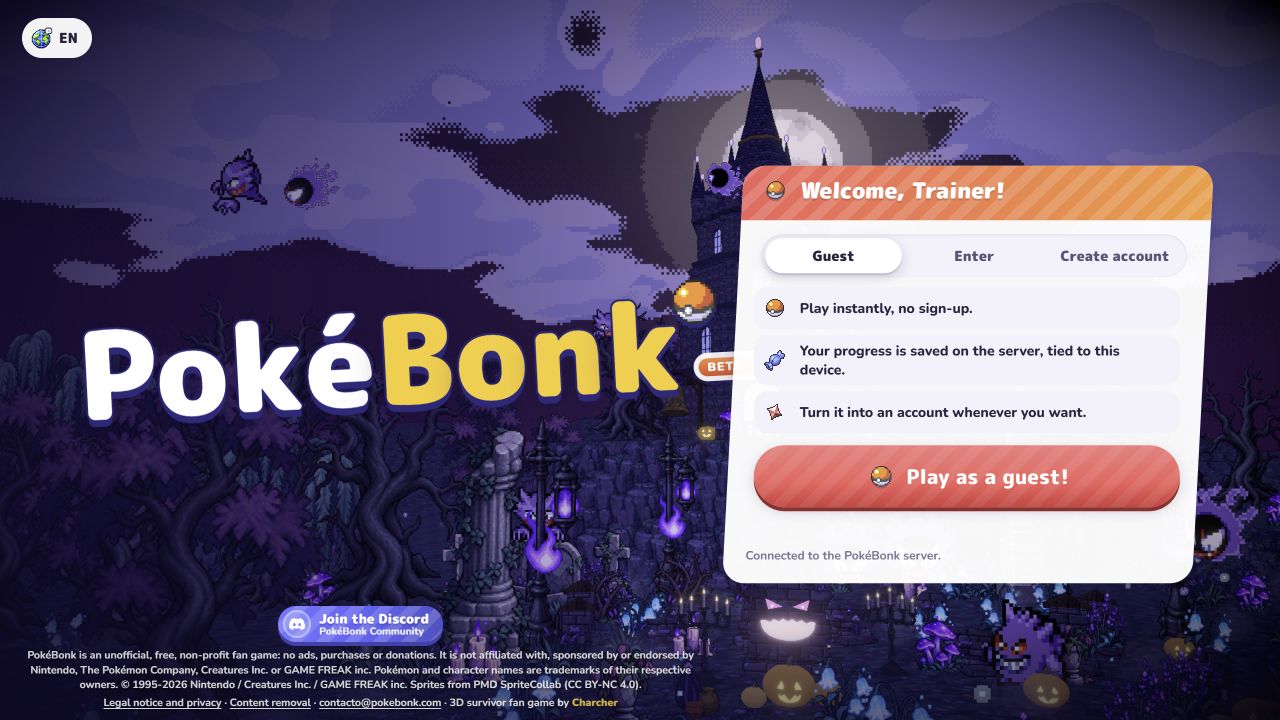
This page opens the newer PokéBonk address supplied for this site. The original PokéBonk page remains available separately. On 27 October 2026, the new host showed a v0.8.59 badge and a Guest entry option on its live welcome screen.
PokéBonk is a free 3D survival fan game. Choose a Pokémon, move through enemy waves while attacks fire automatically, and shape the run with upgrades. The host controls its own account, guest progress, loading, and version changes.
Read the game host for current information.
03 / HOW TO PLAY
Your first run.
Follow the opening screens, then keep the controls nearby while you learn.
- 01
Enter as a guest
The observed welcome screen offers Play as a guest without creating an account. If the server asks you to wait, try again later rather than repeatedly submitting.
- 02
Choose a partner and mode
Use the live Play menu to select an available Pokémon and mode. Read the current options because the game receives frequent updates.
- 03
Move and watch the field
Use WASD to move and the mouse to look around. Starting attacks happen automatically; keep moving, collect experience, and watch health and nearby enemies.
- 04
Pick upgrades as you level
Compare the offered moves, vitamins, and upgrades before choosing a card. Check the current game screen for the exact choices in your run.
Controls at a glance
Controls can change after a game update. Check the live game’s settings or pause screen.
04 / FROM THE GAME
Four real screens.
Open any image to inspect the full-size game screen.
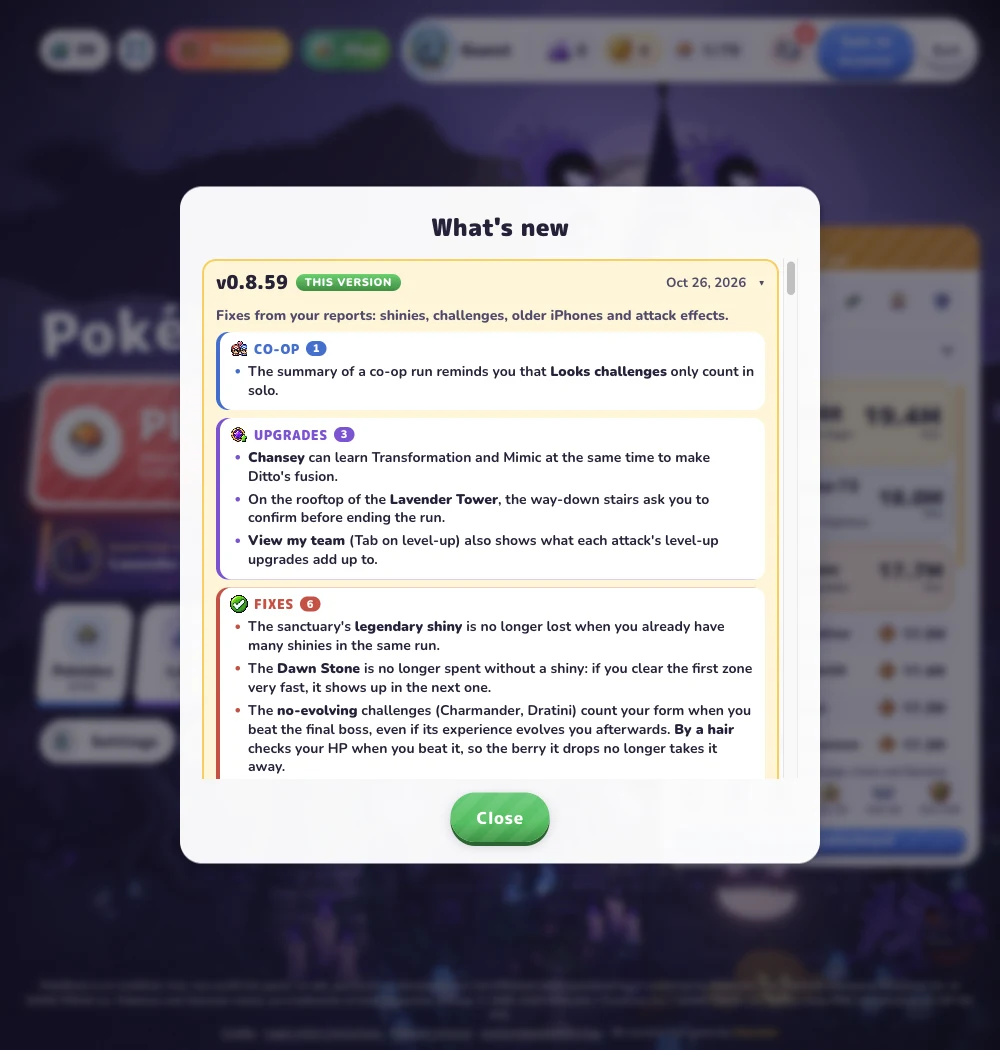
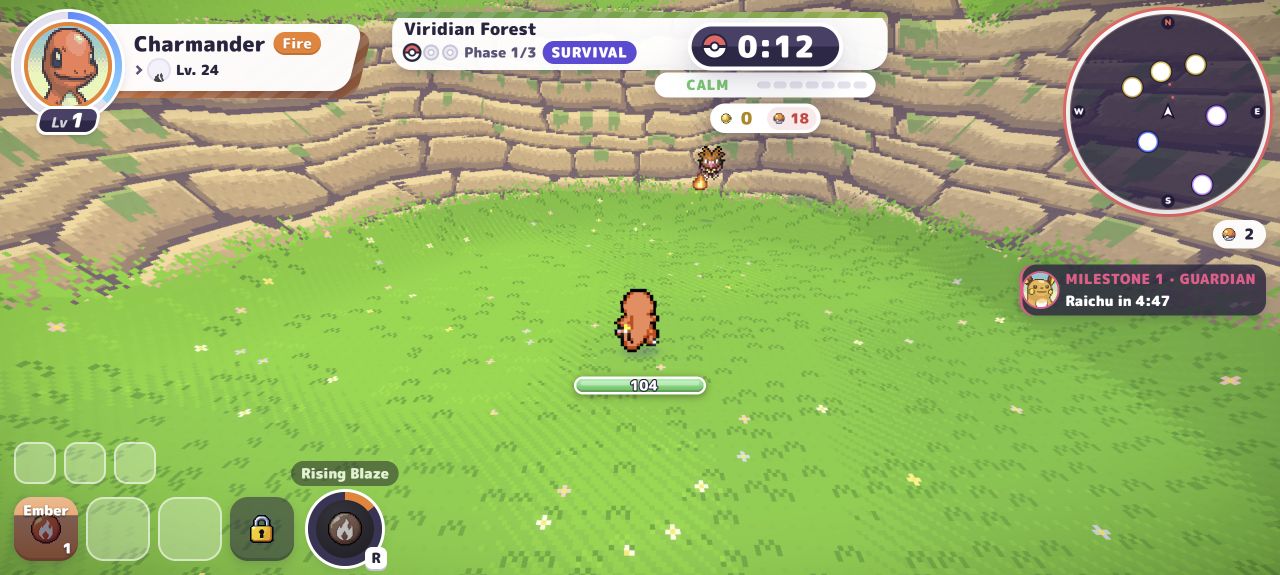
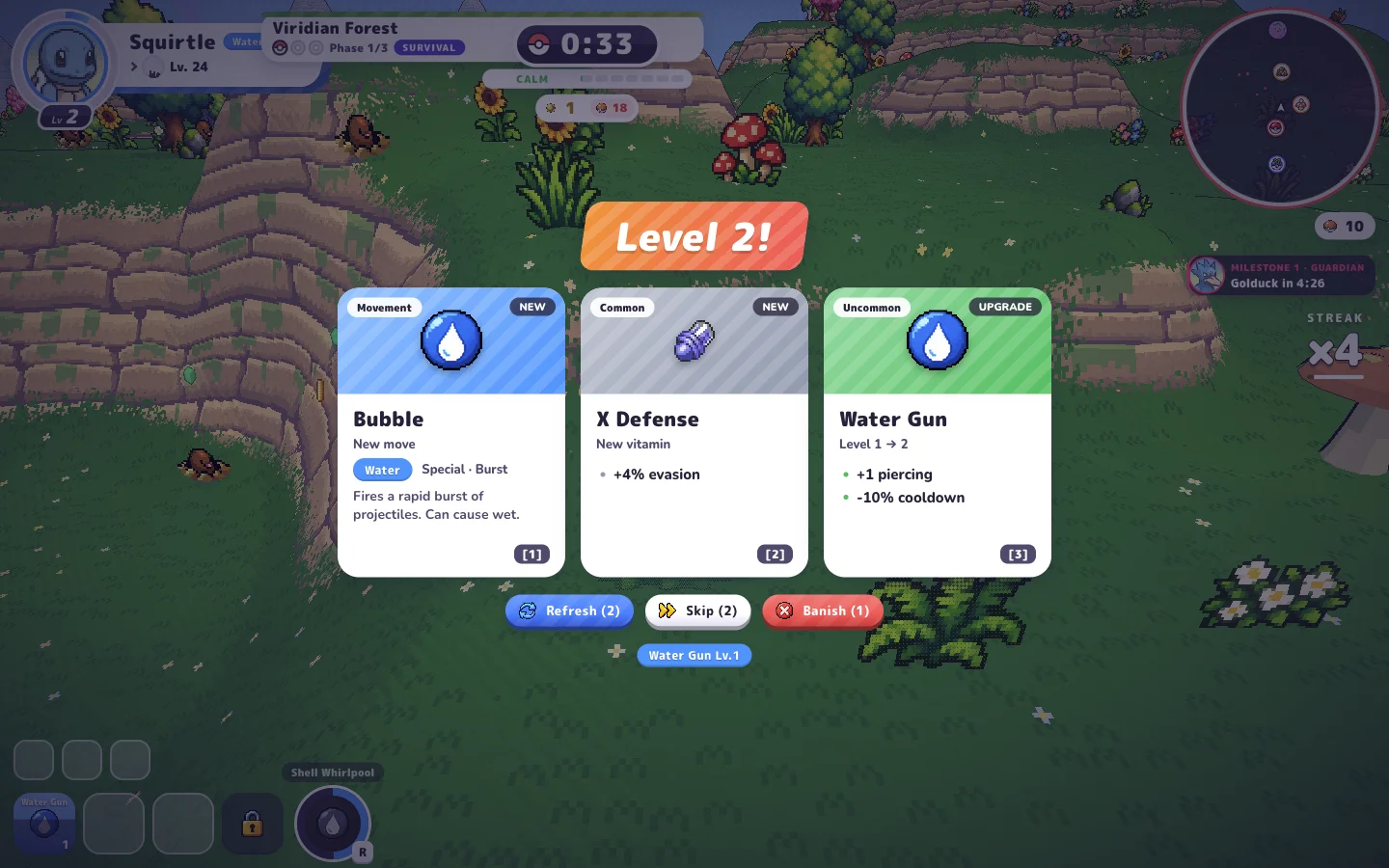
Welcome screen captured from the supplied game host; version panel from PokéBonk Guide; gameplay screens from PokéBonk.lol. Game visuals belong to their creators.
Sources and scope. The supplied host returned HTTP 200 without X-Frame-Options or a frame-ancestors policy in its checked response. Its live welcome screen showed v0.8.59 on 27 October 2026; the guest action returned a rate-limit notice, so later menu and gameplay details were checked against public guide captures. The welcome image is our live capture, the version panel was published by PokéBonk Guide, and the combat and level-up images were published by PokéBonk.lol. Those reference captures may predate the current build. Read the gameplay source ↗